
Sandwich
10 secCrispy toast with juicy chicken.
Show your menu, daily specials and food videos on screens that fit your space. We help choose the equipment, install it and train your team.
We check your existing TVs before recommending new equipment.
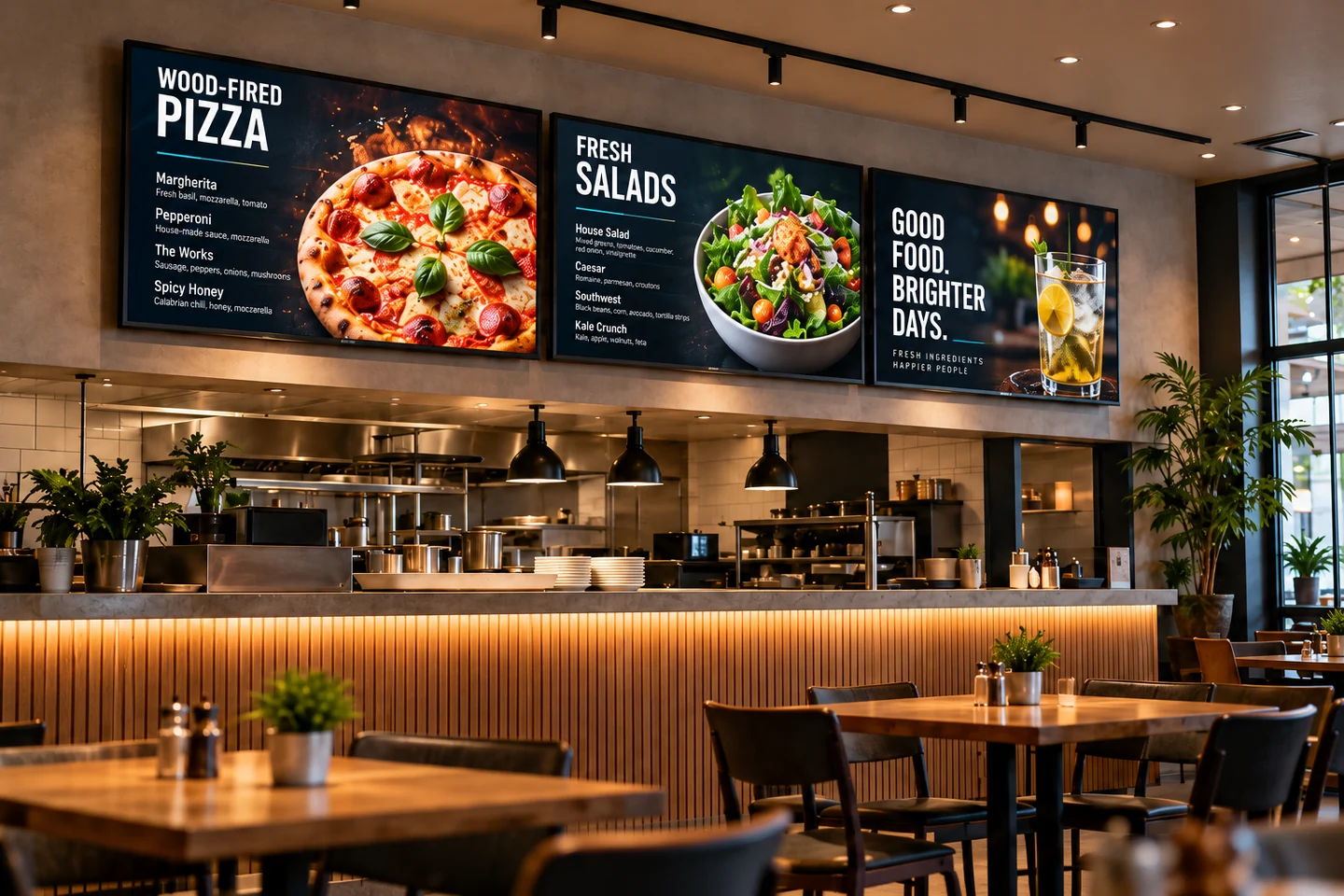
Make prices easy to read, highlight a dish and switch menus from breakfast to dinner. We choose the content tools and screen controls to suit your restaurant.
These venue illustrations show possible setups, not customer installations.
A menu photo can become a short food video. We set up the creation tools and screen controls so your manager can create a clip, check it and send it to connected TVs.
Use a photo, the price and a short description from your menu.
Choose a style, then check the dish, wording and price before publishing.
Select your connected screens and publish now or schedule the video for later.
Crispy toast with juicy chicken.
Tender dumplings served with sour cream.
Crisp pastry layers with a creamy filling.
These AI-generated videos use example prices. We choose tools and video formats that work with your TVs, set up publishing and show your team how to use them.
Set this up for my teamThis one-minute concept video shows how the process could work: choose a dish, create a video and decide where it plays.
The video uses an AI-generated voice to explain a proposed setup. It is not footage of a customer installation or a working software demo. We confirm the tools and publishing process when planning your project.
Start with the dish names, descriptions and photos you already have.
Show different menus at different times, where your chosen system supports it.
Your team checks the content and prices before sending updates to the screens.
We look at where people will see the screens, how far away they stand and where power and network connections are available. Then we plan a setup your team can use day to day.
We check your TVs and players, look at the room layout and confirm what can be reused before suggesting replacements.
We plan the mounting, cable routes, players, screen controls and content together. The work is agreed in advance and checked on site.
We show your team how to update menus, check designs and publish. The quote sets out the software, subscriptions and support you have agreed to.
What to know about the equipment, content and installation.
We may be able to, but we need to check them first. We look at their connections, brightness, mounting, expected operating hours and compatibility with the player. Suitable TVs can stay. Some locations need commercial displays.
Your written quote can cover equipment selection, mounting, low-voltage cabling, player and screen setup, content and team training. We list power requirements, software licenses, hosting and ongoing support separately before work starts.
Yes, if the chosen system supports it. You might have a menu at the counter, a special at the bar and a welcome message at the entrance, each on its own schedule. We check the players, licenses and controls before quoting.
It depends on the screen count and sizes, equipment you can reuse, mounting, cable runs, players, software and content setup. Subscriptions and ongoing support are listed separately. Send your location, a few photos and the number of screens you have in mind so we can review the work.
Your current menu, prices and food photos are the starting point. We set up the agreed templates and AI-assisted tools, then train your team to use them. Your business checks dish details, prices and availability before anything is published.
Some players can keep showing content they have already downloaded. New updates, streams and certain services still need internet. We check how the chosen system works offline and explain what to expect.
For banquet halls, we can plan welcome messages, event menus and scheduled content. For food trucks, we first check power, connectivity, glare and weather exposure, then choose equipment and an update process that suit those conditions.
We need to check your POS system separately. Integration depends on compatibility and is only included if it is part of the agreed work.
Yes, audio for separate areas can be quoted as an extra. We discuss the equipment, licensed music sources and any subscriptions you will need.
UaPtoTech is based in Upstate South Carolina. We review commercial projects across SC, NC, GA and TN, and confirm availability, travel, dates and the work included in your proposal.
Tell us your city, what kind of venue you run, how many screens you need and what equipment you have. We’ll review the details with you before preparing a quote.